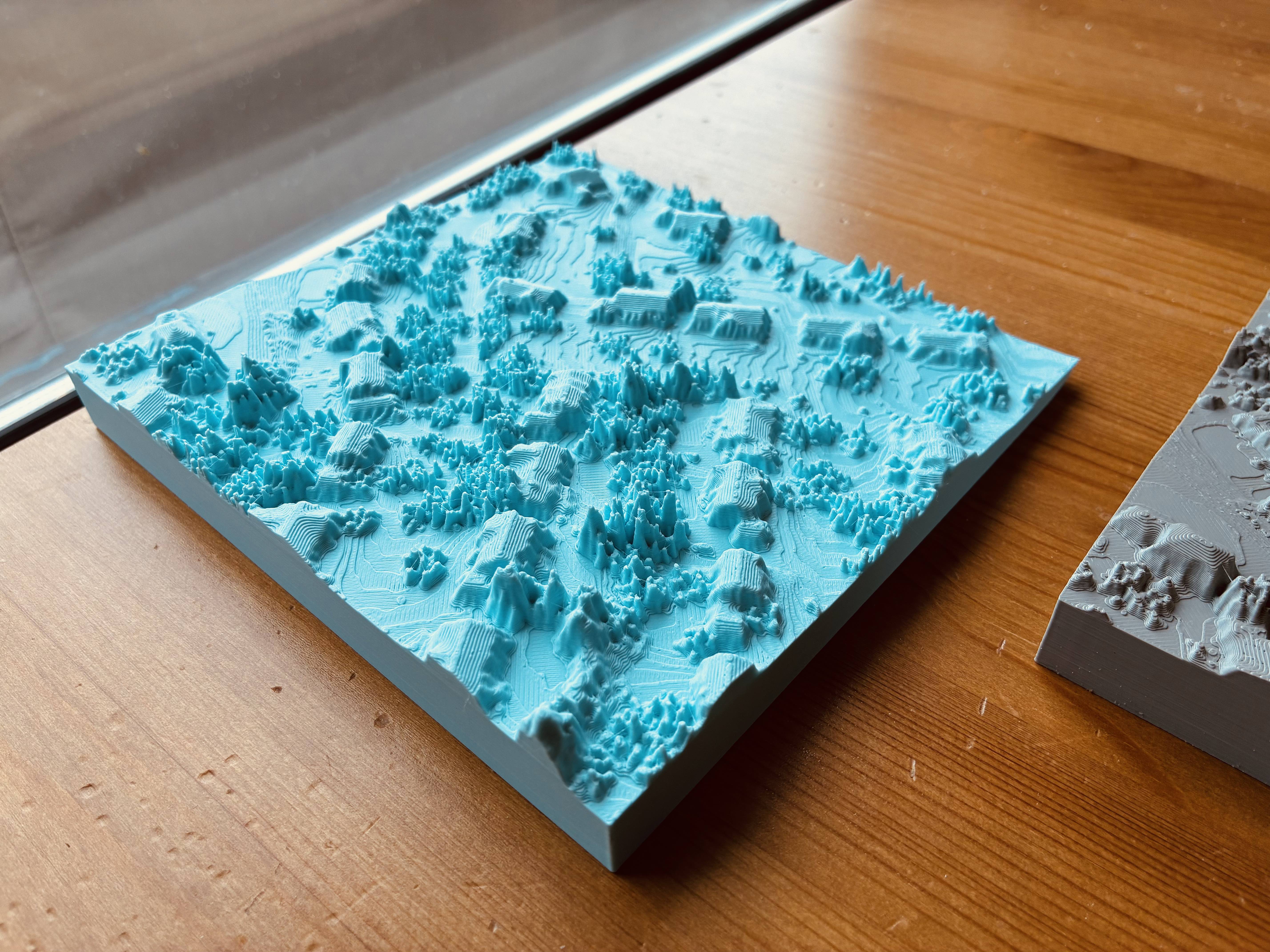
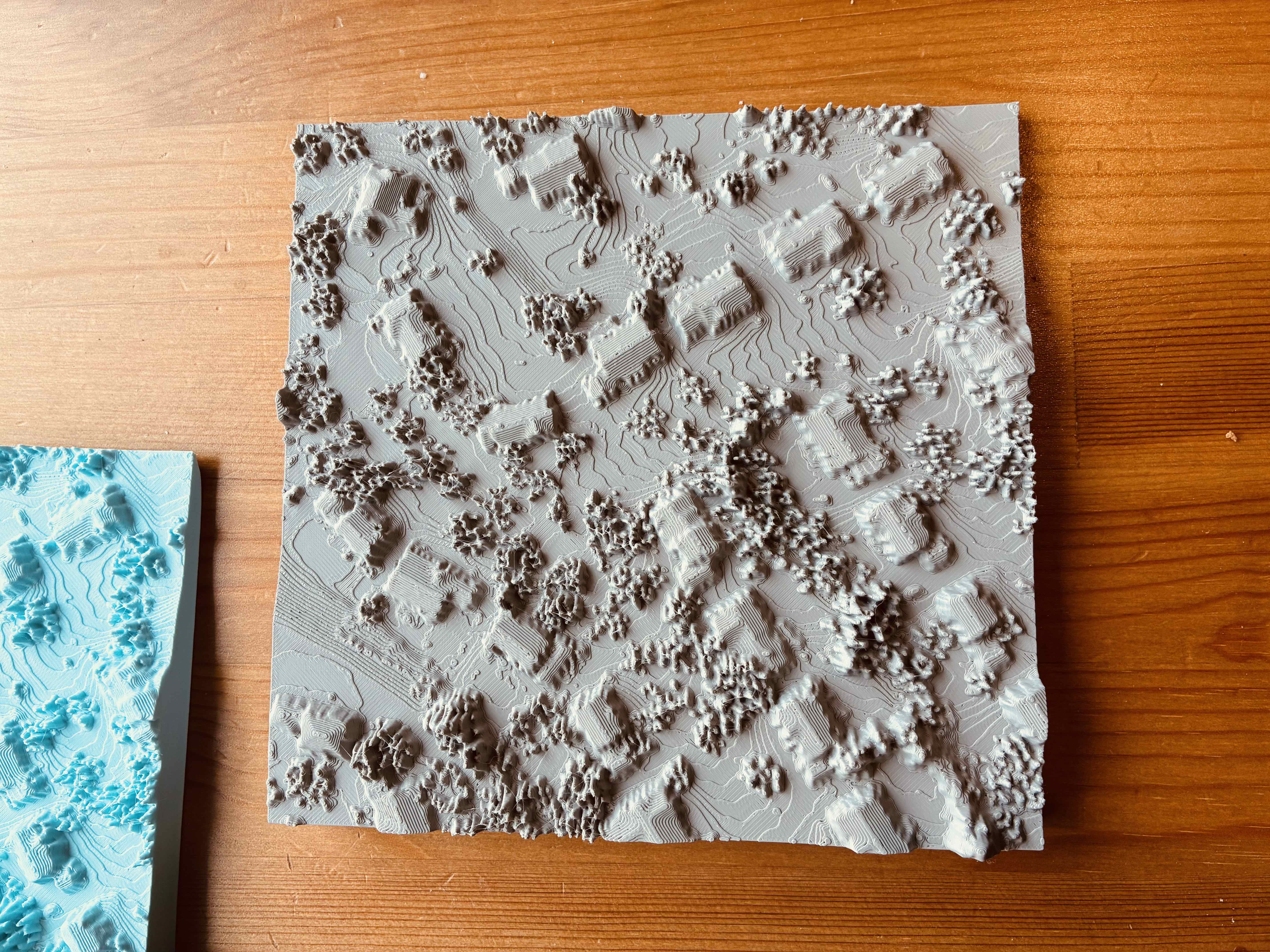
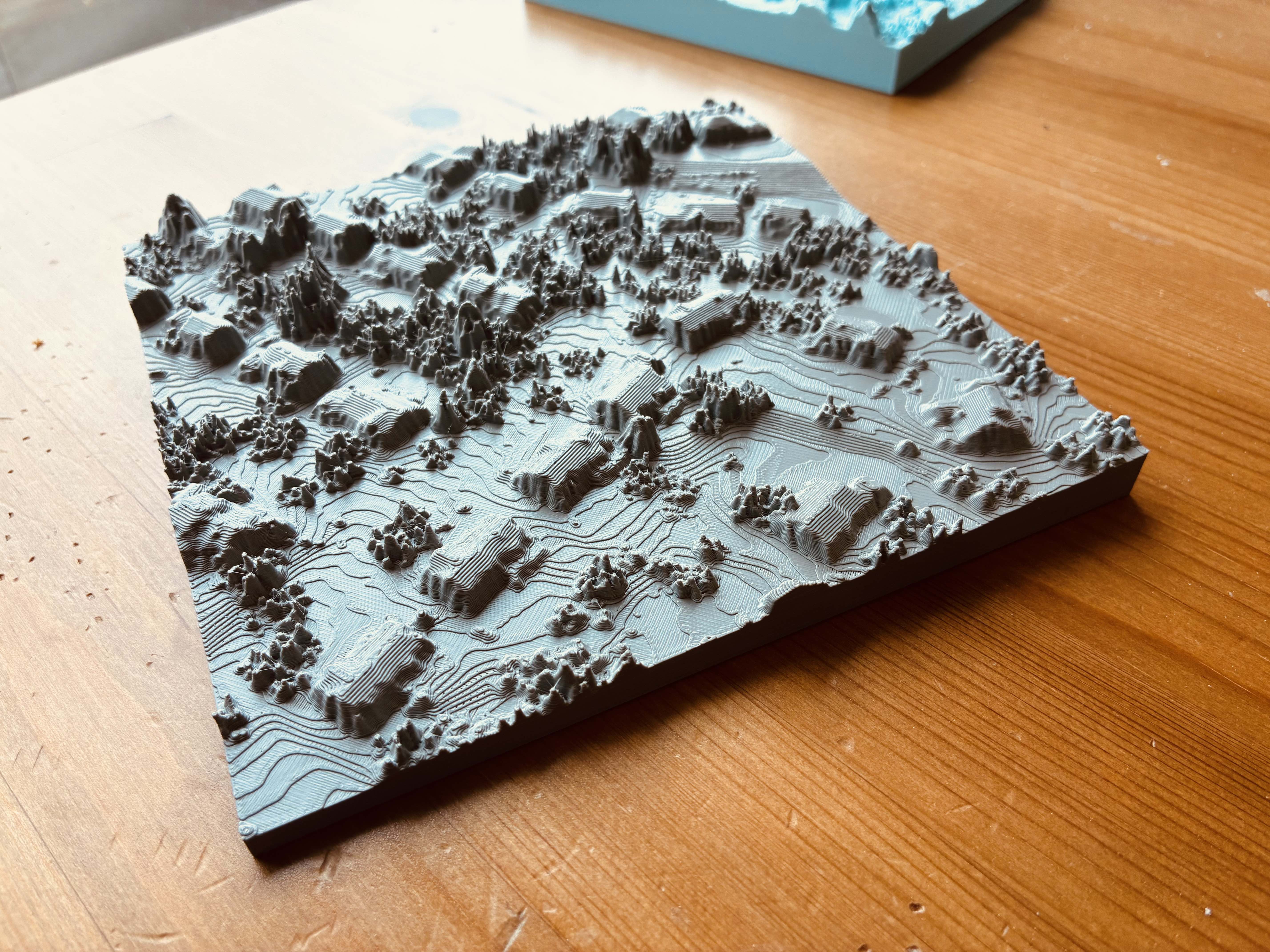
How to 3D Print My Neighorhood on Bambu Lab X-1 Carbon
Data Preparation
Using PDAL tool to clip on USGS 3DEP LiDAR Point Clouds on AWS dataset and export it *.las format.
python example:
import json
import pdal

s3_path='https://s3-us-west-2.amazonaws.com/usgs-lidar-public'
# For project name, you can find it here: https://usgs.entwine.io/
# for same area, it could be covered by multiple lidar projects
project = ''

pl = [dict(type='readers.ept',
           bounds='([{0}, {1}], [{2}, {3}])'.format(minx, maxx, miny, maxy),
           filename='{0}/{1}/ept.json'.format(s3_path, project),
           tag='readdata'),
      dict(type='filters.expression',
           expression='Classification!=7 && Classification!=5 && Classification!=3 && Classification!=4',
           tag='nonoise'),
      dict(type='filters.assign',
           assignment='Classification[:]=0',
           tag='wipeclasses'),
      dict(type='writers.las',
                   filename=os.path.join(os.getcwd(), 'output', fn),
                   compression=True)]
pipeline_input = json.dumps(dict(pipeline=pl))
pipeline = pdal.Pipeline(pipeline_input)
pipeline.execute()
Import the clipped pointcloud to QGIS
Follow this tutorial, drag and drop the *.las file into QGIS.app
Build the TIN (Triangulated Irregular Network)
Follow this QGIS offical tutorial for build the TIN mesh model and then export the 3D model to *.obj file format
Convert OBJ file to STL file for 3D print
By using FreeCAD, we can import *.obj file and covert it soild and save the model as STL format
In the top menu bar: select ‘Part ==> Create shape from mesh’, and then ‘Part ==> convert to solid’, don’t forget to scale it down, the exported model is in 1:1 scale, scale it down (e.g. 1:10000)
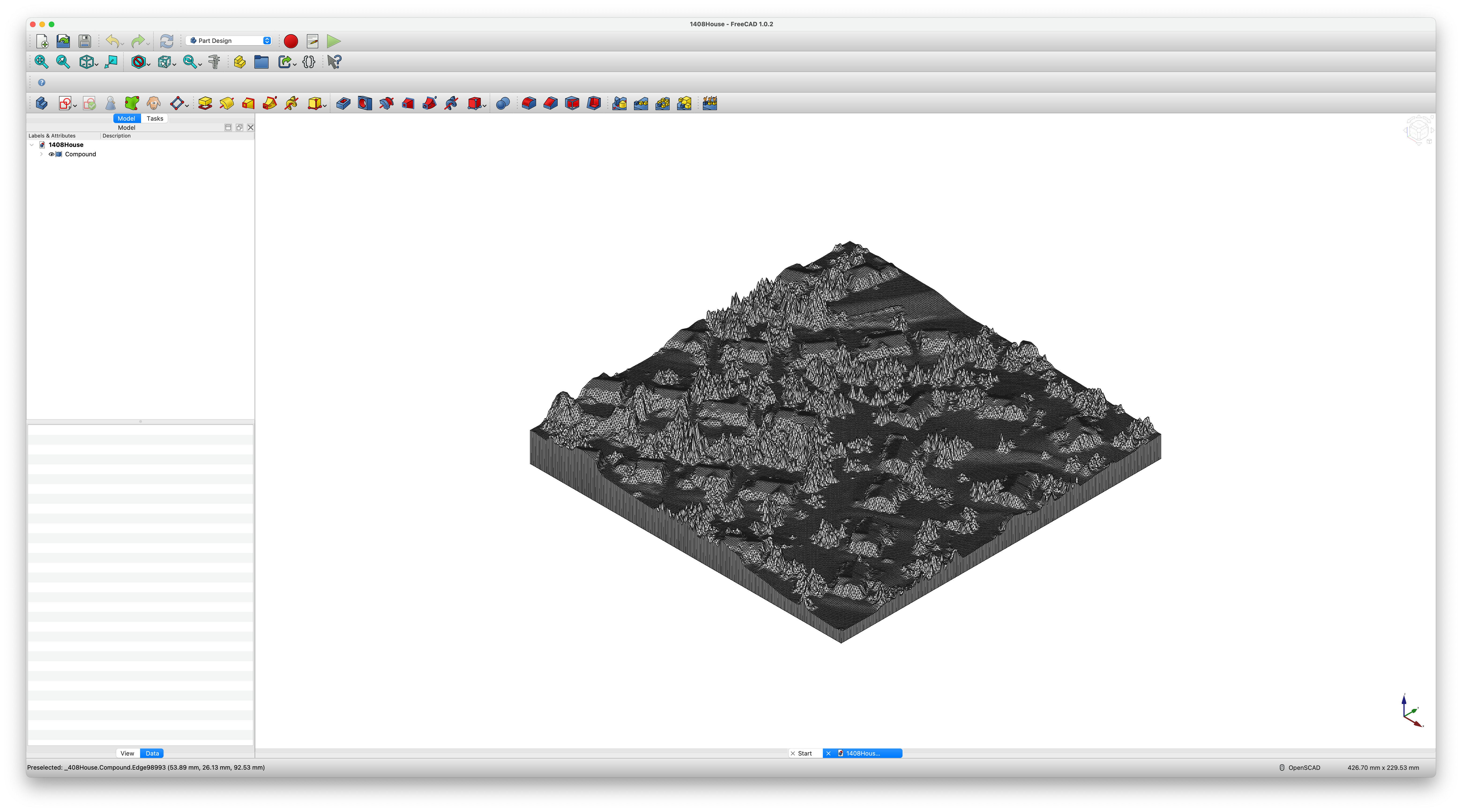
Sent the model for 3D Print
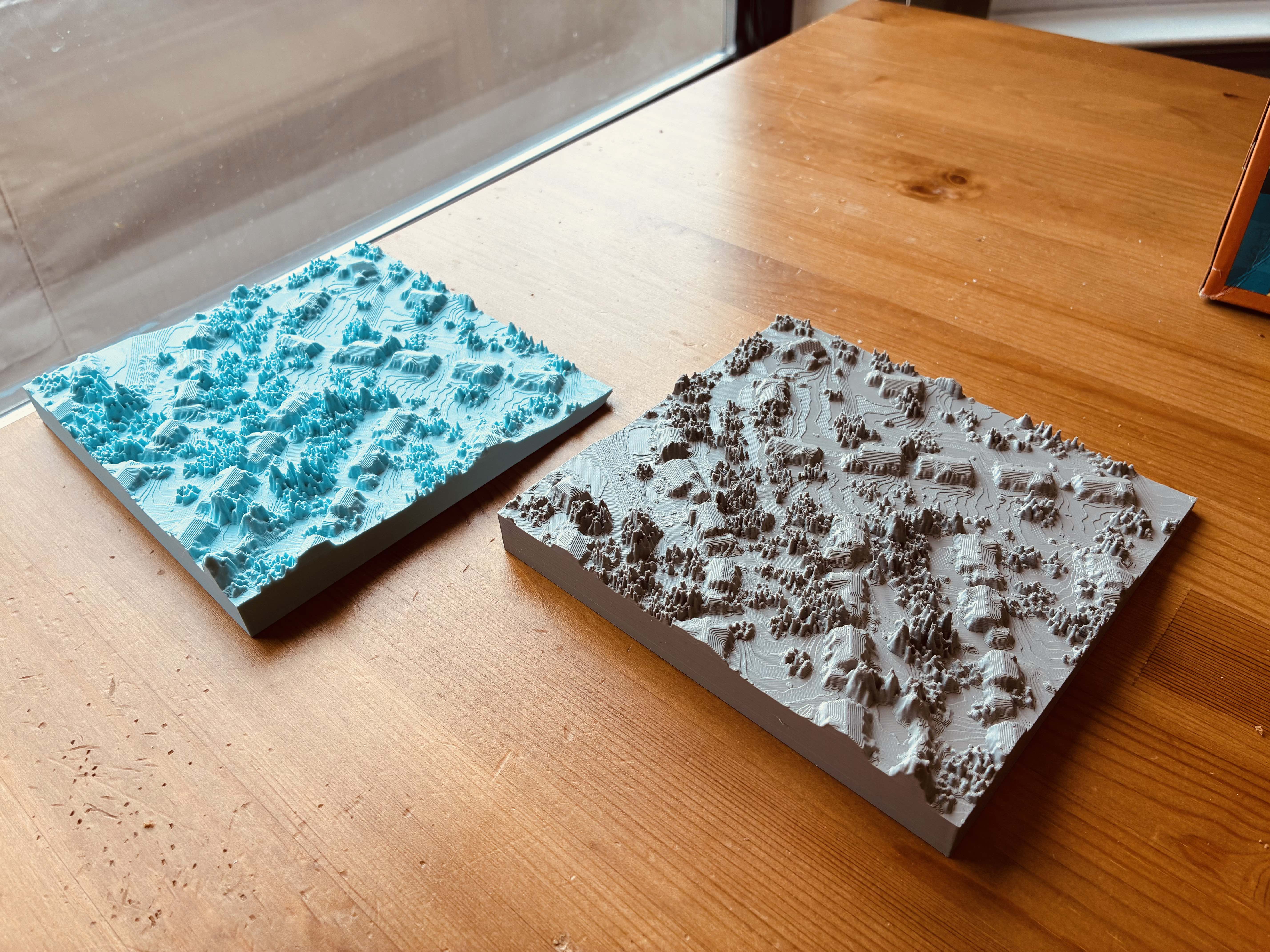
The model was printed on a Bambu Lab X-1 Carbon Combo 3D Printer in a Public Library, here is the printing config;
- standard 0.4 nozzle with minimum layer height we can get and 100% infill to print
Here is how it looks! Now you can hang it on the wall as a special decoration in your home!